

Smart Home Wiring: What to Sort Before You Build or Renovate
The best time to plan smart home wiring in Melbourne is before walls are closed, ceilings are finished and furniture is in place. Thinking about your internet connection, TV locations, security cameras, lighting controls and future technology early can help avoid messy cables and expensive changes later.
Even if you are not ready to install every smart home feature, planning the wiring now gives you more options when your needs change.
Live Innovations helps homeowners bring electrical services, security, smart wiring and home technology together. Here is what to discuss with your builder or installer before starting a new build or renovation.
1. Decide How You Want to Use Each Room
Before choosing cables or equipment, think about how you will use the house every day. A living room might need a wall-mounted TV, internet connection, speakers and smart lighting. A home office may need several network connections for computers and other devices. Outside, you might want to allow for security cameras, a video doorbell or garden lighting.
Walk through your floor plan and mark the locations where technology may be needed. Consider:
- TV and entertainment areas.
- Home office desks and study spaces.
- Internet equipment and network storage.
- Ceiling access points for wireless coverage.
- Security cameras and alarm equipment.
- Smart lighting controls and other connected devices.
- Outdoor areas, garages and entry points.
You do not need to decide on every product immediately. A clear plan of where equipment may go is a useful starting point for smart wiring and automation.
2. Plan Network Connections Before Choosing Wi-Fi Equipment
Wi-Fi is useful, but it is not always the best answer for every device or room.
A larger home, multiple storeys, brick walls and distant rooms can make network coverage harder to plan. Connected TVs, desktop computers and some smart home equipment may benefit from wired network connections, depending on the device and how you use it.
Ask your installer to consider where your internet connection enters the property, where the main network equipment will sit and which rooms may benefit from wired connections.
A practical approach is to identify the devices that stay in one place, such as a television or desktop computer, before planning wireless coverage for phones and tablets.
If you are building in Mernda, discuss these requirements while the house plans are still being developed. It is much easier to consider cable routes before the walls and ceilings are finished than to work around completed rooms later.sible conduit is needed, ask where it will run and how the finished result will look.
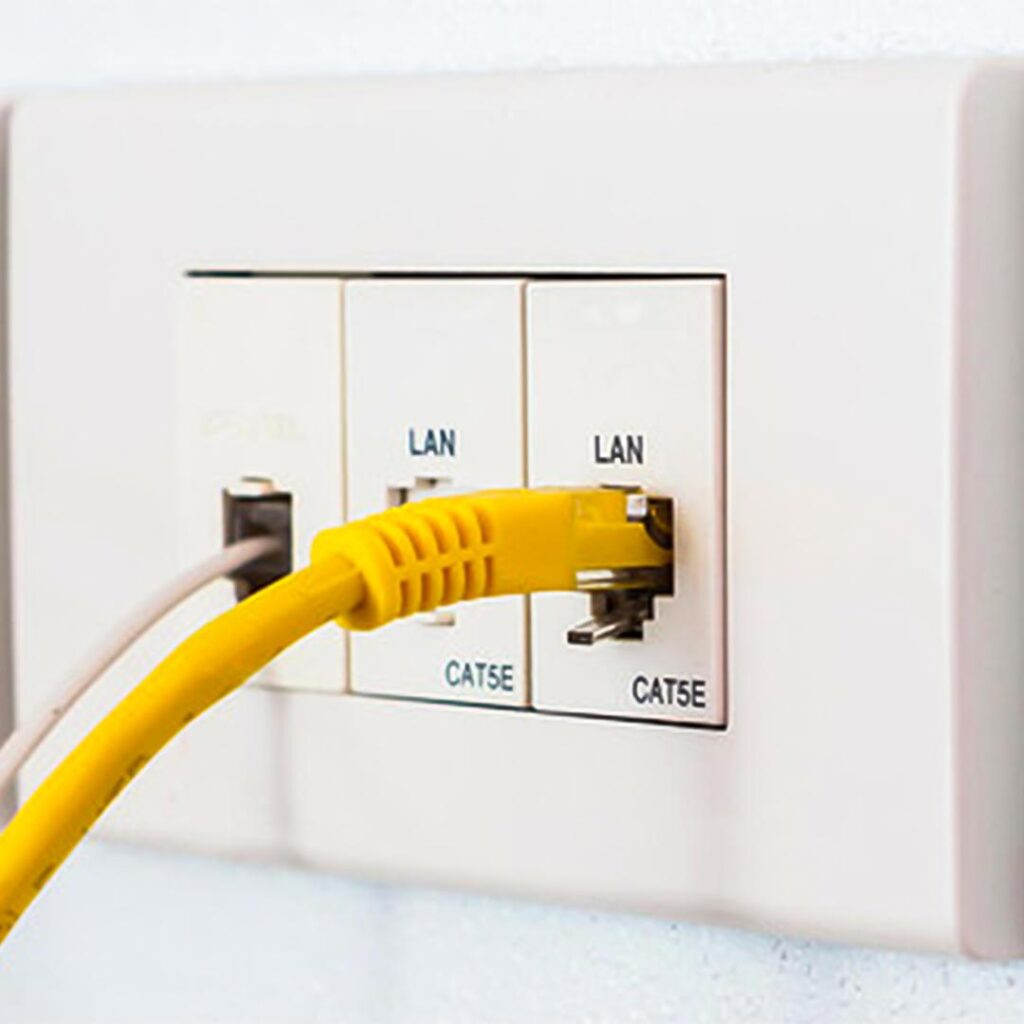
3. Choose a Suitable Location for Your Network Equipment
Your router and other network equipment need a sensible home.
Putting everything in a difficult-to-reach cupboard may keep equipment out of sight, but it can also make maintenance harder. A crowded space with poor ventilation may not suit equipment that produces heat.
Ask where the internet connection, router, network switch and any central smart home equipment will be located.
The chosen spot should allow for:
- Easy access when equipment needs checking or resetting.
- Enough room for the equipment you expect to use.
- Suitable ventilation and access to required power.
- Organised cable entry and clear labelling.
- Room for future equipment if your needs grow.
Avoid choosing the location based only on where the equipment will be least visible. Practical access matters just as much as appearance.
4. Allow for Technology You May Add Later
You might only want internet and television connections today, but your plans could change after moving in.
You may later add more security cameras, a home theatre, smart lighting or additional network equipment. Planning suitable cable pathways and spare capacity early can make future changes easier.
Discuss which areas may need additional connections later and whether suitable pathways can be included in the design.
For example, if you are renovating a home in Whittlesea, you might not be ready to install outdoor cameras or a full entertainment setup yet. However, identifying possible equipment locations now gives your installer a chance to consider the best way to accommodate them.
This does not mean wiring every room for every possible device. The aim is to plan for realistic future needs without paying for features you are unlikely to use.useful coverage with respect for other people.
5. Coordinate Smart Wiring With TV and Entertainment Plans
TVs, speakers and entertainment equipment are easier to organise when their locations are decided before finishing work begins.
Think about where the television will sit, whether it will be wall-mounted and where connected equipment will be stored. If you want a clean entertainment area, discuss the cable routes and equipment locations before the wall is finished.
You may also want to allow for speakers, a projector, a gaming console or a dedicated home theatre area.
Your plan should account for more than the television itself. Internet access, power, audio connections and equipment storage all affect how the finished space will work.
Explore the options for home tech and entertainment when deciding how your living areas will be arranged. useful final check before signing off on the work. Take a few minutes to try the main functions yourself rather than relying only on the installer saying everything is ready.
Before your wiring plans are finalised, it’s also worth checking what a clean security camera installation should look like. Read our guide to what a clean security camera installation looks like for practical tips on cable routing and a professional finish.
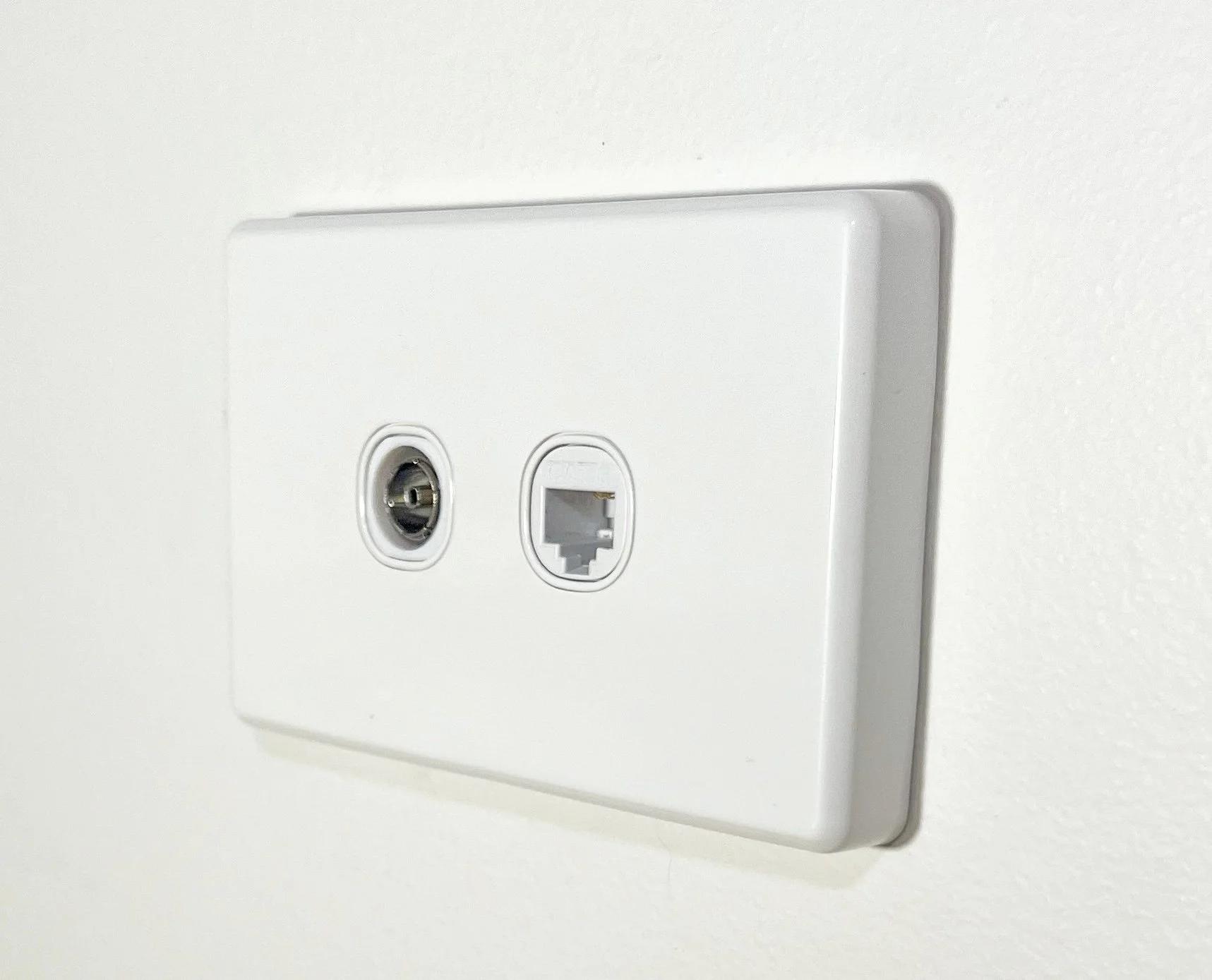
6. Keep Security and Electrical Requirements in the Same Plan
Smart home wiring is not only about entertainment and convenience. It can also support a well-planned security setup.
If you are considering CCTV, an alarm system or a video doorbell, identify likely equipment locations before construction or renovation work is completed.
Camera positions need to suit the areas you want to monitor, while the wiring route and equipment location need to suit the building. Planning these requirements together can help avoid cables being added in awkward places later.
Also discuss any new power points, electrical changes or other electrical work with your builder and a licensed electrician. Electrical work should be carried out by a licensed electrician.
When different trades are involved, make sure everyone understands the agreed locations and installation sequence. Confirm who is responsible for each part of the work rather than assuming another contractor will handle it.lained clearly in writing. A clear scope helps both you and the installer understand what a finished job should include.
7. Use a Pre-Closing Checklist Before Walls Are Finished
One of the most useful steps in a build or renovation is checking the wiring plan before the relevant walls and ceilings are closed.
Once finishing work is complete, changing cable routes may involve extra labour and disruption. A quick review with your builder and installer can help identify missed connections while access is still available.
Use this checklist before the next stage of work:
- TV and entertainment locations have been confirmed.
- Network connections have been planned for key rooms.
- The main network equipment location has been agreed.
- Potential CCTV and alarm locations have been discussed.
- Future technology needs have been considered.
- Cable routes and equipment locations have been communicated to the relevant trades.
- Required electrical work has been discussed with a licensed electrician.
- The completed wiring has been checked and labelled where appropriate.
Keep an updated copy of the plan with your building documents. It can be helpful if you need to add equipment or troubleshoot a connection in the future.
Plan the Wiring Before the Finishing Work
Smart home wiring does not need to be complicated, but it does benefit from early planning. Start with how you use your rooms, decide where equipment will go and allow for the technology you are likely to need.
Live Innovations provides smart wiring, electrical, security and home technology services across Melbourne. Whether you are building a new home or updating an existing one, planning these requirements together can help create a cleaner and more practical result.
Request a free quote or inspection and discuss your smart wiring and home technology plans.
