
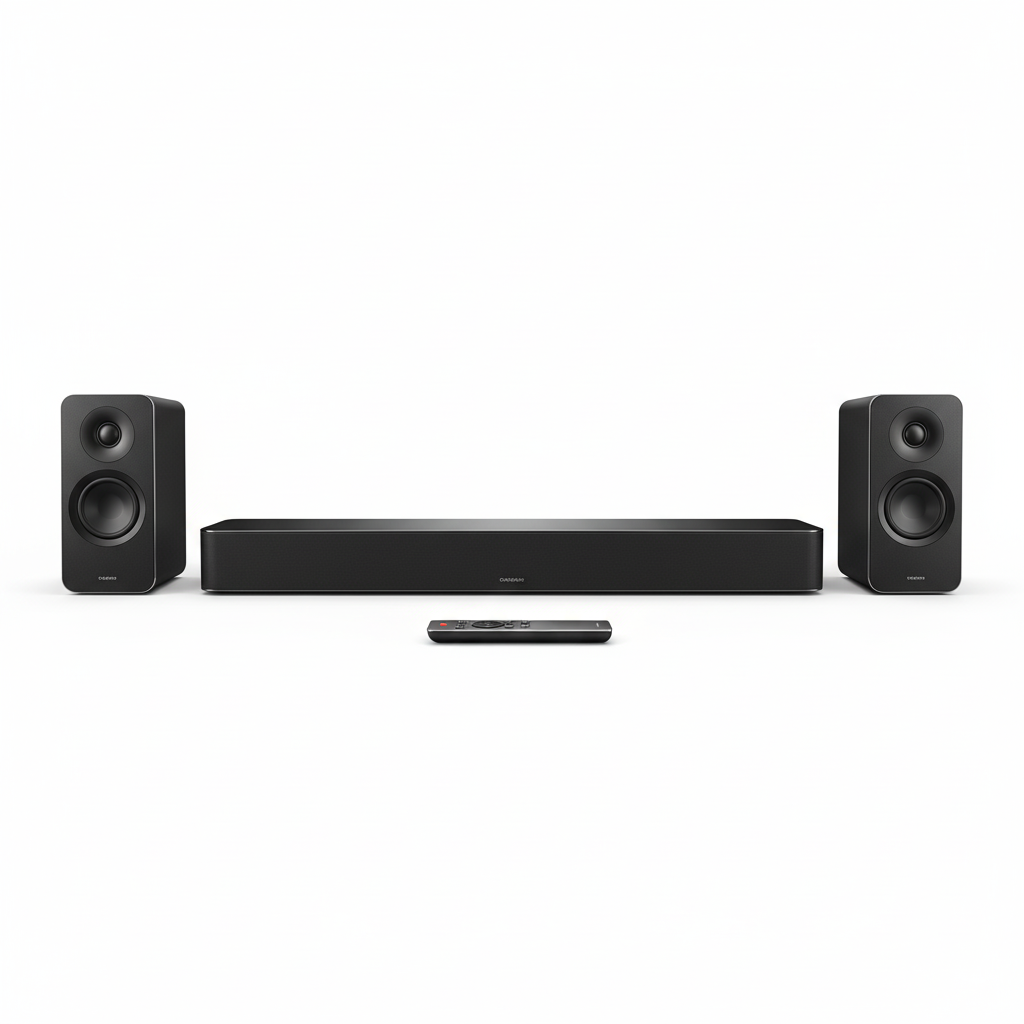
How to Plan Home Theatre and TV Wiring So No Cables Show
A wall-mounted TV can look great in a living room, but messy cables can spoil the finished result. Power leads, HDMI cables and network connections can quickly turn a clean entertainment area into a tangle of wires.
The best way to avoid this is to plan your TV position, equipment and cable routes before installation begins. This is especially important if you are renovating, building a new home or creating a dedicated home theatre.
Live Innovations provides Home Theatre and TV installation in Melbourne, helping homeowners plan entertainment equipment around their rooms and everyday needs.
Here is what to consider before you start.
1. Choose the TV Position Before Planning the Cables
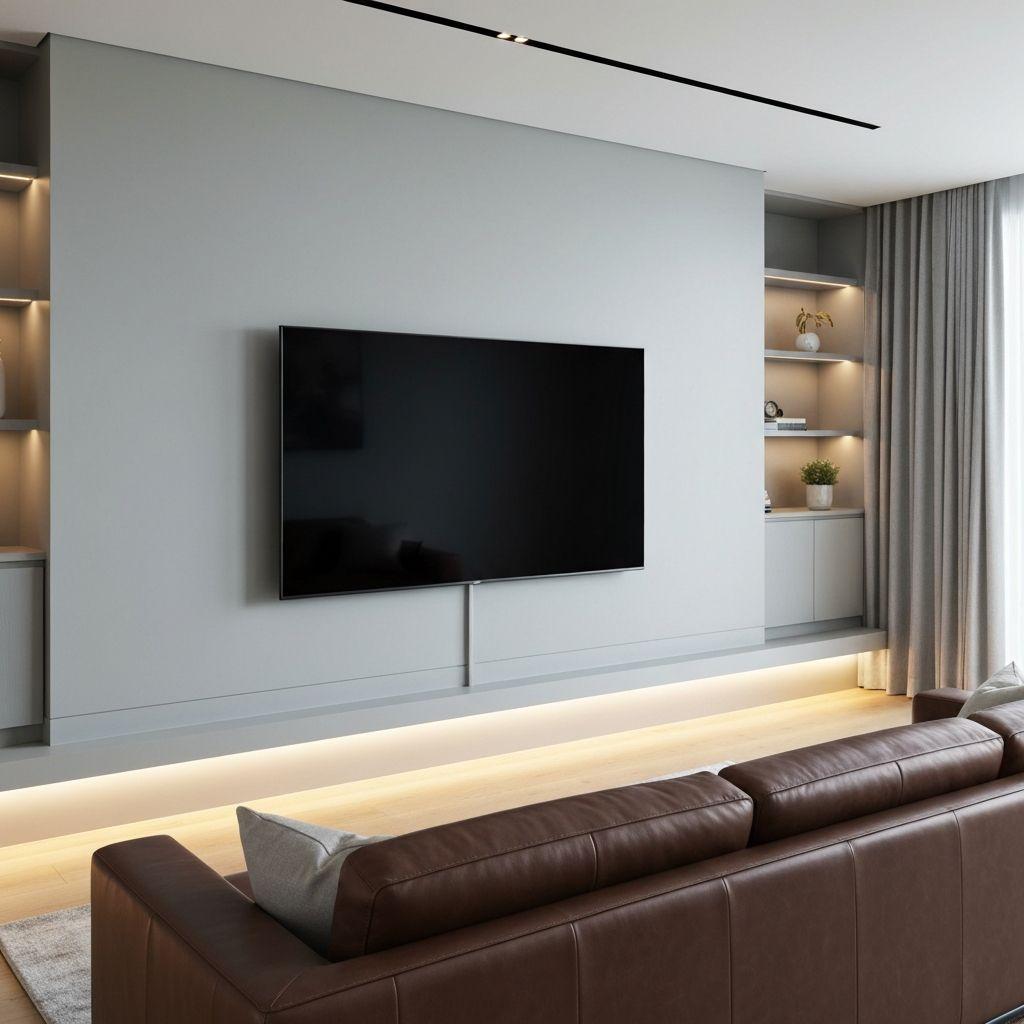
Before deciding where cables should go, work out where the television will sit.
Think about the viewing distance, seating position, natural light and whether the TV will be mounted on a wall or placed on a cabinet. A position that looks good from the doorway may not be comfortable to watch from the sofa.
Also consider what will sit around the television. You might have a soundbar, gaming console, streaming device or other equipment that needs its own connection.
Mark the proposed TV position and discuss it with your installer before any holes are made. This helps everyone understand where the connections need to be placed.
If you are planning a renovation in Bundoora, it is worth considering these details before painting, plastering or other finishing work begins.
2. Plan the Cable Route Before the Wall Is Finished
The cleanest result usually starts with a clear cable plan.
Think about where the cables will enter and leave the wall, where connected devices will sit and how the cables will reach the relevant equipment. The route will depend on the wall construction, the room layout and the installation method.
For some setups, suitable surface trunking or a concealed cable pathway may be an option. Other installations may need more detailed planning before the wall is finished.
Do not assume every cable can simply be hidden inside any wall. Electrical wiring and low-voltage signal cables have different requirements, and the permitted installation method depends on the cable type and building conditions.
Discuss the cable route with your installer before work begins. It is easier to agree on the finish in advance than to discover later that a cable has to run across the wall.
3. Keep Power and Entertainment Connections Properly Planned
A television and its connected equipment need suitable power and signal connections.
Before installation, list the devices you expect to use. This may include the television, soundbar, gaming console, streaming box, amplifier and other entertainment equipment.
Your installer can then help determine where connections should be located and how the equipment will be arranged.
Do not try to hide a standard power lead inside a wall or modify electrical outlets yourself. Any required electrical work should be assessed and completed by an appropriately licensed electrician.
Live Innovations also provides smart wiring and automation, which can be useful when planning the wider wiring needs of a new build or renovation.
Planning power, network and entertainment connections together can help reduce visible cables and avoid unnecessary changes after the room is finished.
4. Make Space for Devices Beyond the Television
A TV installation often involves more than the screen itself.
You may need room for a gaming console, streaming device, set-top box, amplifier or media player. Some equipment can sit inside a cabinet, while other devices need more open space or easy access.
Think about where these devices will live and how their cables will reach the television. Make sure you can still reach the equipment when you need to change a connection or troubleshoot a problem.
If devices are placed inside a cabinet, discuss ventilation and access with your installer. A neat appearance should not make the system difficult to use or maintain.
It is also worth considering future changes. You might add a new console, upgrade the TV or install additional audio equipment later. Planning some flexibility into the layout can make those changes easier.
5. Plan Soundbar and Speaker Wiring With the Room Layout
Sound is an important part of a home theatre, but speaker cables can become just as noticeable as TV cables if they are not planned properly.
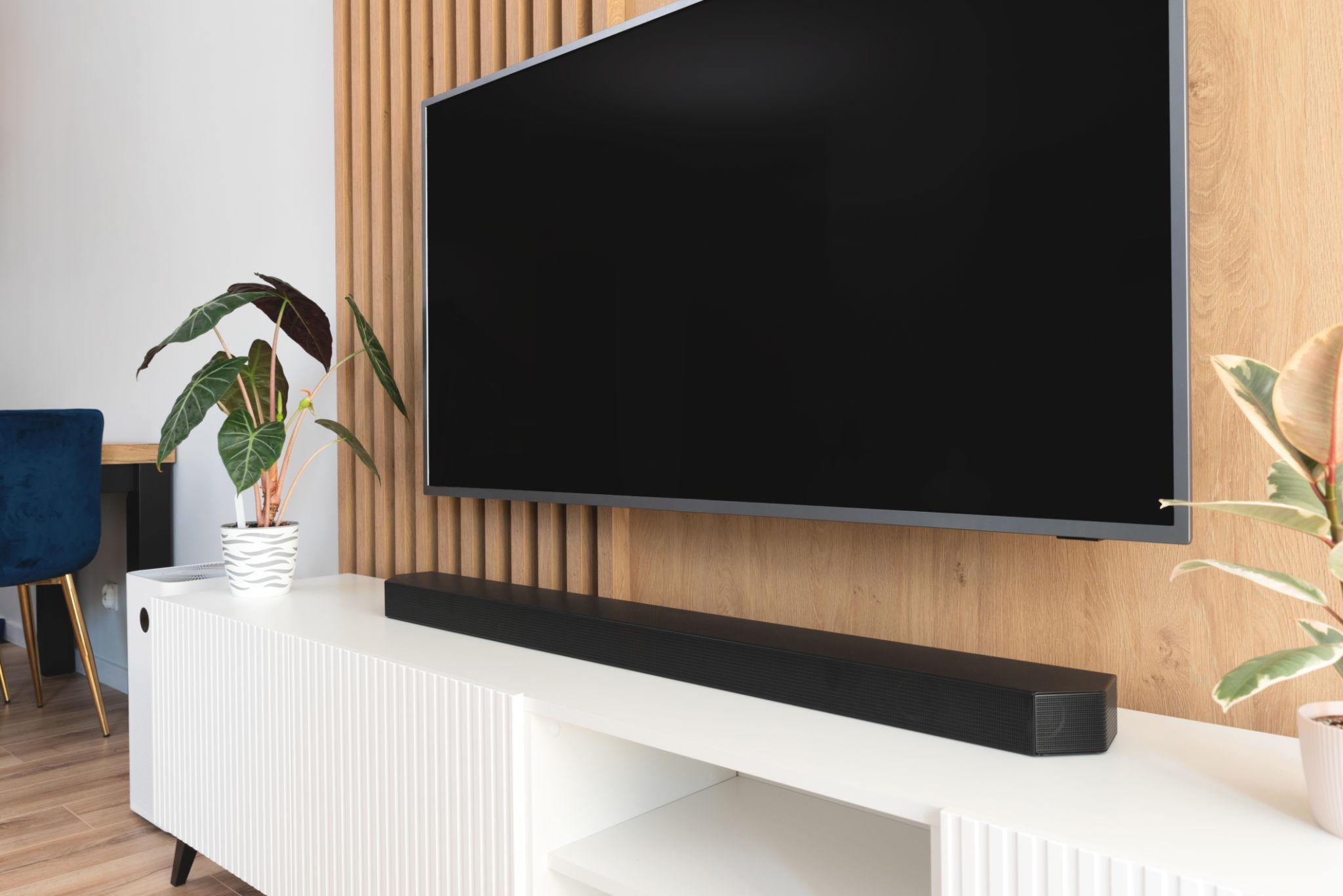
If you want a soundbar beneath the TV, decide where it will sit and how it will connect to the television. If you are planning surround sound or speakers in several rooms, identify the likely speaker positions before the room is finished.
Furniture, doors, windows and walkways can affect where equipment should be placed. Your plan should consider how the room will be used, rather than focusing only on where the cables can be hidden.
Live Innovations offers home tech and entertainment solutions for homeowners considering home theatre, multi-room audio and other connected entertainment options.
Talk through your audio needs before installation so the connections, equipment positions and cable routes can be considered together.
6. Think About Network Connections and Future Upgrades
Many modern televisions and entertainment devices use an internet connection for streaming, updates and online features.
Wi-Fi may be suitable for your setup, but a wired network connection can also be worth considering for devices that stay in one place. The right option depends on the equipment, network layout and how you use your entertainment system.
Before the walls are closed, discuss whether you want a network connection behind the TV or near your entertainment cabinet.
If you are planning a wider renovation in Greensborough, consider your internet equipment, TV connections and other technology requirements at the same time.
For more advice on preparing a property for connected technology, read our guide to smart home wiring before you build or renovate. It explains why planning network connections and equipment positions early can help avoid changes later.
7. Check the Finished Installation Before Signing Off
Once the TV and equipment are installed, take a few minutes to check the result.
Look at the wall from different angles and confirm that the cables are hidden or managed as agreed. Check that the TV is positioned correctly, the connected devices are accessible and the sound and picture work as expected.
Ask your installer to demonstrate the main connections and explain how to access the equipment if something needs to be changed.
Use this simple checklist:
- The TV is mounted or positioned where agreed.
- Visible cables are managed neatly.
- Power and signal connections have been completed appropriately.
- The soundbar, speakers and other devices work as expected.
- Network connections have been tested where included.
- The installation area has been left tidy.
- You understand how to use the equipment and access connected devices.
A professional finish should look tidy and remain practical to use.
Planning a TV or home theatre installation? Contact Live Innovations to discuss your setup and request a free quote or inspection.
