What a Proper CCTV App Handover Should Include
Getting security cameras installed is only part of the job. You also need to know how to use them.
A proper CCTV app setup should let you check your cameras, view recordings and understand important settings without feeling confused. Your installer should explain how the system works before leaving, rather than simply handing you a phone and saying everything is ready.
Live Innovations provides CCTV installation in Melbourne for homes and businesses. Here is what to check during your CCTV handover so you can use your new system with confidence.
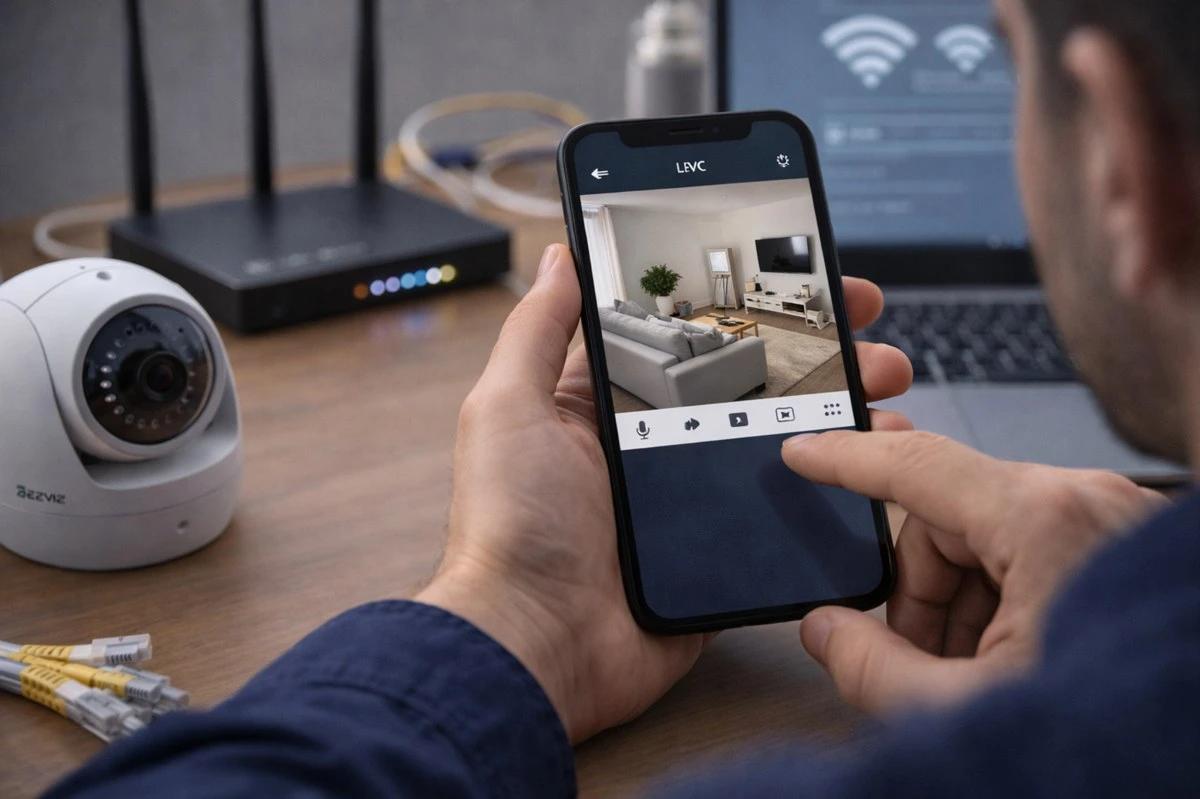
1. Every Camera Should Appear in the App
Start by checking that every camera you expected to have installed appears in the app or viewing software.
If your property has cameras covering the front entrance, driveway, backyard and side access, check each view individually. Make sure the camera names or labels help you understand which area you are looking at.
For example, a label such as “Front Driveway” is easier to understand than a generic camera number when you need to find footage later.
The image should also be clear enough for its intended purpose. If a camera view looks unusually dark, blurry or poorly positioned, ask your installer to check it before the handover is complete.
For homeowners arranging CCTV installation in Bundoora, this final check helps make sure the system is ready for everyday use, not just mounted on the walls.
2. Remote Viewing Should Work on Your Own Device
One of the main reasons people install CCTV is to check their property when they are away. During the handover, ask the installer to show you how to open the app and view your cameras using your own phone or tablet. If you want another household member to have access, ask how to set up their access securely.
Test the connection while using mobile data, if practical, rather than relying only on the home’s Wi-Fi. This helps you understand how remote viewing works when you are away from the property.
If a camera appears on the local monitor but not on your phone, ask the installer to check the app configuration and connection.
The available features depend on the equipment and system installed. Your installer should explain any limits that apply to your particular setup.
3. You Should Know How to Find and Play Back Recordings
Seeing a live camera view is useful, but recorded footage is just as important.
Ask your installer to show you how to open playback, choose a date and time, and review the footage from a particular camera. You should also understand how to find recorded events if your system supports event-based playback.
For example, if a delivery arrived while you were out, you may need to find the relevant time and check the front entrance camera.
Ask how long recordings are normally kept, where they are stored and what happens when the available storage fills up. The answer depends on your recording equipment, settings and storage capacity.
Do not assume that footage will be available indefinitely. Understanding the recording and storage settings helps you know what to expect before you need to review an incident.
4. Notifications Should Be Explained and Tested
Some CCTV systems can send notifications when motion or another selected event is detected. These alerts can be helpful, but only when you understand how they work.
Ask your installer to explain which notifications are enabled and how to change them. If your system supports different detection areas or event types, learn how those options affect the alerts you receive.
You may want alerts for activity near an entrance without receiving unnecessary notifications from every movement in the garden.
Ask your installer to help test the relevant settings and explain what the system can and cannot detect. A notification should not be treated as proof that every event will be detected.
If alerts are not arriving, check whether notifications are permitted in your phone’s settings and whether the CCTV app has the required permissions.
5. Account Access and Passwords Must Be Handled Properly
Your cameras may show private areas of your home or business, so account access deserves attention.
Make sure you know which account controls the system, how to sign in and how to recover access if you change phones or forget your password.
Ask how to add or remove authorised users and what to do if someone who previously had access should no longer be able to view the cameras.
Use a strong, unique password and enable extra account protection where the system supports it. Do not rely on a shared installer login as your only way to access your own cameras.
For businesses, clarify who should have access to the system and who is responsible for managing those permissions.
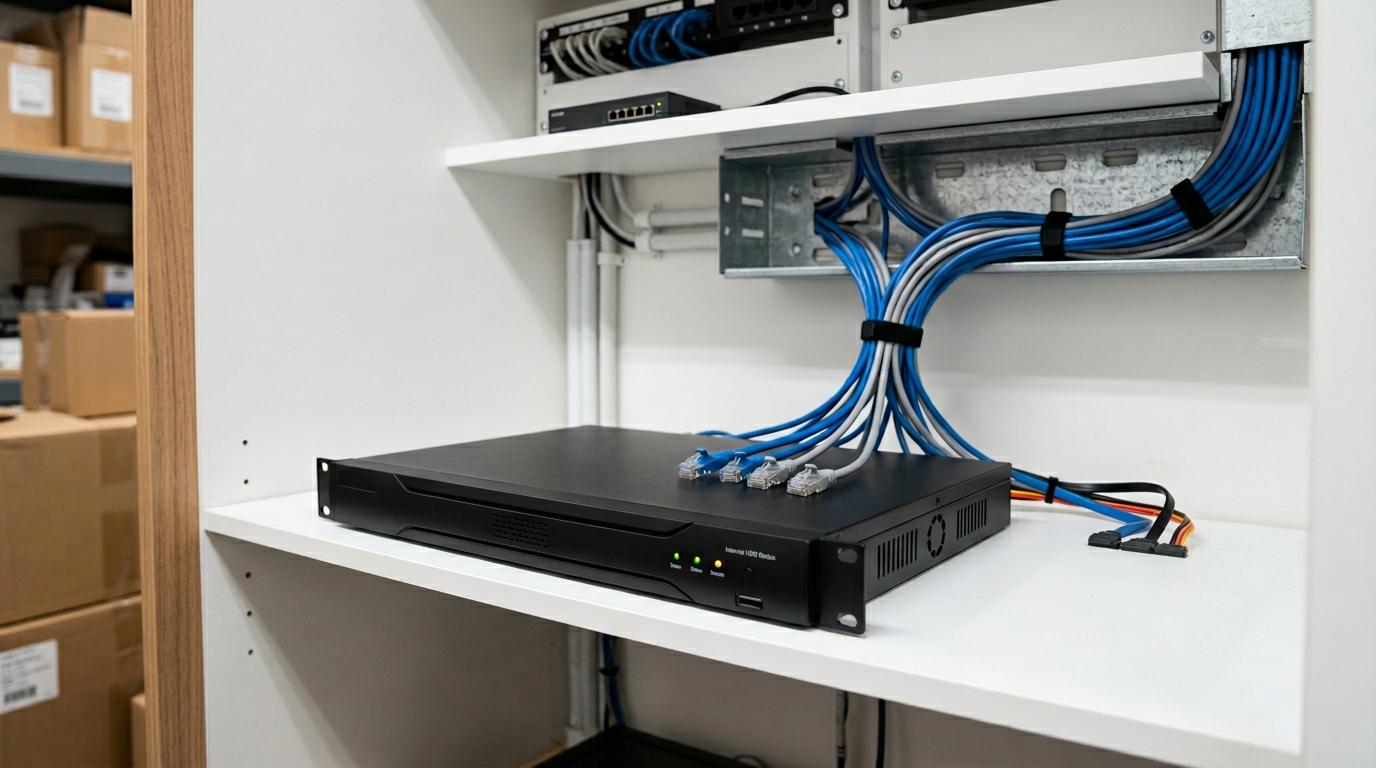
6. Your Installer Should Explain the Main Settings
You do not need to learn every advanced feature on installation day. However, you should understand the basic controls you are likely to use.
Ask your installer to show you how to:
- Switch between live camera views.
- Find and play back recorded footage.
- Check the system’s recording status.
- Understand common warnings or error messages.
- Manage app access and basic notification settings.
It is also useful to know who to contact if a camera goes offline or recordings stop appearing.
If your CCTV connects with other property technology, ask how the systems work together. Live Innovations also offers smart wiring and automation, which may be relevant when planning connected technology for a home or renovation.
7. Finish With a Simple Handover Checklist
Before the installer leaves, take a few minutes to check that everything makes sense.
Confirm that every expected camera is visible, remote viewing works on your device, playback has been demonstrated and the main notifications have been explained. Make sure you know how to access your account and where to get help if a problem occurs.
Homeowners arranging CCTV installation in Greensborough can use the same checklist to make sure their new system is practical to operate, not just professionally installed.
If you still have questions, ask them before the job is signed off. It is much easier to learn the basics while the installer is there than to struggle with the app later.
If you are also reviewing your home’s wider security setup, our guide to alarm problems and safety switch trips explains why electrical concerns and alarm faults need to be assessed carefully.
A good CCTV handover should leave you knowing how to view your cameras, find recordings and manage access. You do not need to become a security technician. You simply need to understand the system you have paid to install.
Planning a new CCTV system or need help with your setup? Contact Live Innovations to discuss your requirements and request a free quote or inspection.